

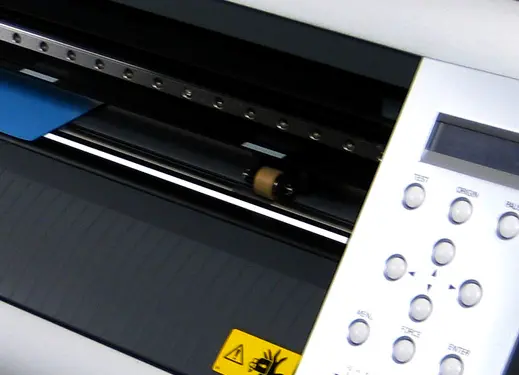
Vinyl Cutter Protection Strips
Image Gallery
A clean cut every time saves time.
The cut protection strip protects your heat transfer materials from having jagged edges and encourages clean cuts and smooth curves. This promotes better use of your roll by having less waste, saving you time and money.
Available for the following vinyl cutters: Roland®, GCC, and Ioline™ 100.
Qty:
Add To Cart >
Add To Cart >
Adding to Cart
CHAT NOW!
Need Help?
Our live support is available for you, Mon-Fri 8AM-7PM EST
or call
800.4.STAHLS (800.478.2457)
Tip: A vinyl cutter comes with one strip. It’s always a good idea to have at least one extra on hand.
Questions & Answers
Everyone has questions. Tell us yours.
Q:
Why are designs not cutting smoothly and leaving ragged edges?
A:
First, check that your blade does not need to be replaced, then verify that you are using the proper cutting guidelines for the material you are cutting. If this doesn't solve the problem, it could be the amount of nodes in the design. To reduce the number of nodes in a design you will need to use your graphics program's node edit tool.
Q:
How do I cut backgrounds on my vinyl cutter?
A:
Creating a background layer will involve using a contour tool within a graphic art program. In CorelDRAW®, for example, use the Interactive Contour Tool to create additional layers to the outside of the original object. Keep in mind, when cutting a background layer you will need to perform test cuts and adjust the cutting specifications the same way you would cut a foreground layer.