


Quick Look
Benefits:
- Best choice for cotton fabrics
- Semi-matte finish
- Cuts and weeds easily
Available In:
20" 30" or 54" Wide Rolls
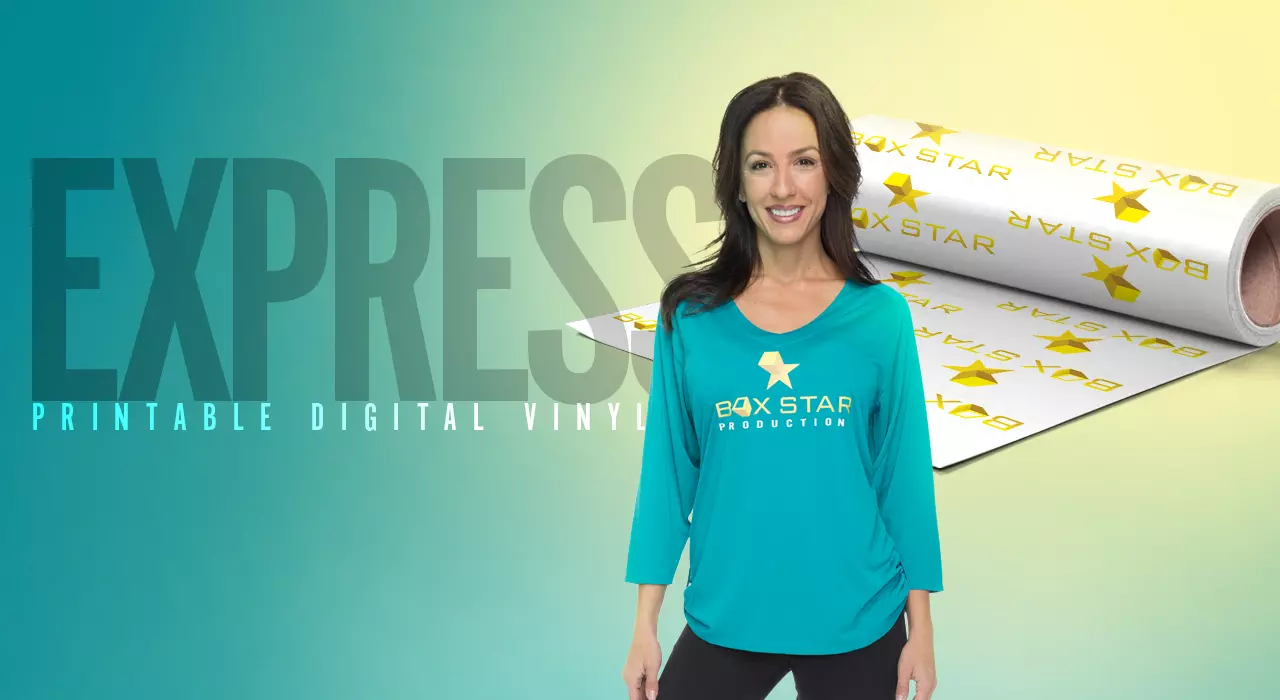
CAD-COLOR® Express Print® Printable Heat Transfer Vinyl
The most cost-effective printable media for everyday jobs
Order Now
Details

 User Guide
Videos
User Guide
Videos
Open this ordering wizard full window
Click image to view larger
Material Overview
Material Specifications
- Composition: Polyurethane (PU)
- Carrier: Frosted, Non-Pressure Sensitive
- Thickness: 88 microns (.088 mm)
- Stretch & Rebound: 2
- Washability: 50
- Color Fastness: 4-5
- Dry Time: 2-4 hours
- Safety: CPSIA Certified
Application Instructions
Time:
15-20 seconds
Temperature:
300°F/149°C
Pressure:
Medium
Peel:
Wait 5 Seconds, Peel Warm
Hotronix® 360 IQ™ Hat Press
Time:
45 seconds
Upper:
280°F
Lower:
320°F
Pressure:
Medium
Peel:
Warm/Cold
Cover Sheet:
Print/Cut Instructions
- Print and cut your design in positive form on the media side of the material
- Once dry, weed away excess material
- Mask the weeded design, smoothing out any air bubbles
- Lift the mask to expose the vinyl adhesive from the backing
- Position the masked design on the garment for heat application
Material/Fabric Compatibility
Care Instructions
Machine wash inside-out using mild detergent.
Do not use bleach. Dry at a normal dryer setting on household machines. Do not dry clean.
Do not use bleach. Dry at a normal dryer setting on household machines. Do not dry clean.
Storage
Store in a cool and dry area around 65 to 70 degrees Fahrenheit with 50% relative humidity. Keep away from direct heat, sunlight and humidity. Recommended shelf life is one year.
Cutter Guidelines
Cutter
Blade
Force
Offset
Speed
Roland GS-24
45°
80-100g
.25
30cm/s
Roland VP-300
45°
80-100g
.25
30cm/s
Note: Always test cut prior to any production run. For optimal cutting and weeding, maintain a line thickness of at least 1/16" for lettering & logos.
How to Heat Press: CAD-PRINTZ® Express Print®
2021-08-18T17:00:01Z
Learn the step-by-step instructions of how to properly heat press CAD-PRINTZ® Express Print® to blank apparel. Watch as Josh Ellsworth walks you through how you can get a perfect application when using this special custom logo product and the proper time, temperature, and pressure. To order CAD-PRINTZ® Express Print® today simply click the link here https://bit.ly/3rzevgL
Top 3 Reasons to Buy: CAD-COLOR® Express Print®
2021-07-16T22:00:32Z
Learn about one of the best full color heat transfer materials on the market in CAD-COLOR® Express Print®. This eye-catching heat transfer material offers you the ability to get vibrant colors in each design. It's also able to be heat applied to other colored garments without fear of dye migration. Watch as Josh highlights the top 3 reasons why you should consider this product and how it can best be used for your business. To order CAD-COLOR® Express Print® today simply click the link here https://bit.ly/3hH6Wkw