


Click image to view larger

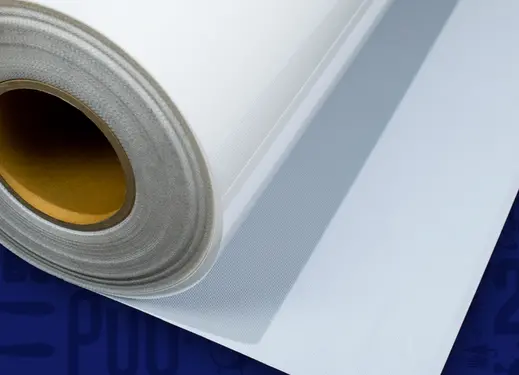
Magic Mask® - Medium Tack
Remove designs from their carrier and transfer to the garment.
Transfer designs cut on your vinyl cutter from the heat transfer material's carrier to the substrate. Medium tack allows you to remove and transfer materials of medium thickness and weight.
Order Now
Details
Tips/Features
Open this ordering wizard full window
Overview
Transfer designs cut on your vinyl cutter from the heat transfer material's carrier to the substrate. Medium tack allows you to remove and transfer materials of medium thickness and weight.
Masking Process
Step 1: Remove mask from liner.
Step 2: Position mask over weeded design. Use a squeegee to eliminate air bubbles.
Step 3: Remove design from carrier by pulling at a 90 degree angle.
Step 4: Place masked design back on liner until ready to heat apply.
Step 2: Position mask over weeded design. Use a squeegee to eliminate air bubbles.
Step 3: Remove design from carrier by pulling at a 90 degree angle.
Step 4: Place masked design back on liner until ready to heat apply.
Save the mask liner to use with the masked design.