


Quick Look
Benefits:
- Best sewn option for creating jerseys
- Heat-activated adhesive holds design in place while sewing
- 100% polyester twill
Available In:
16.25" Wide Rolls
Order Now
Details


 User Guide
Open this ordering wizard full window
Click image to view larger
Material Overview
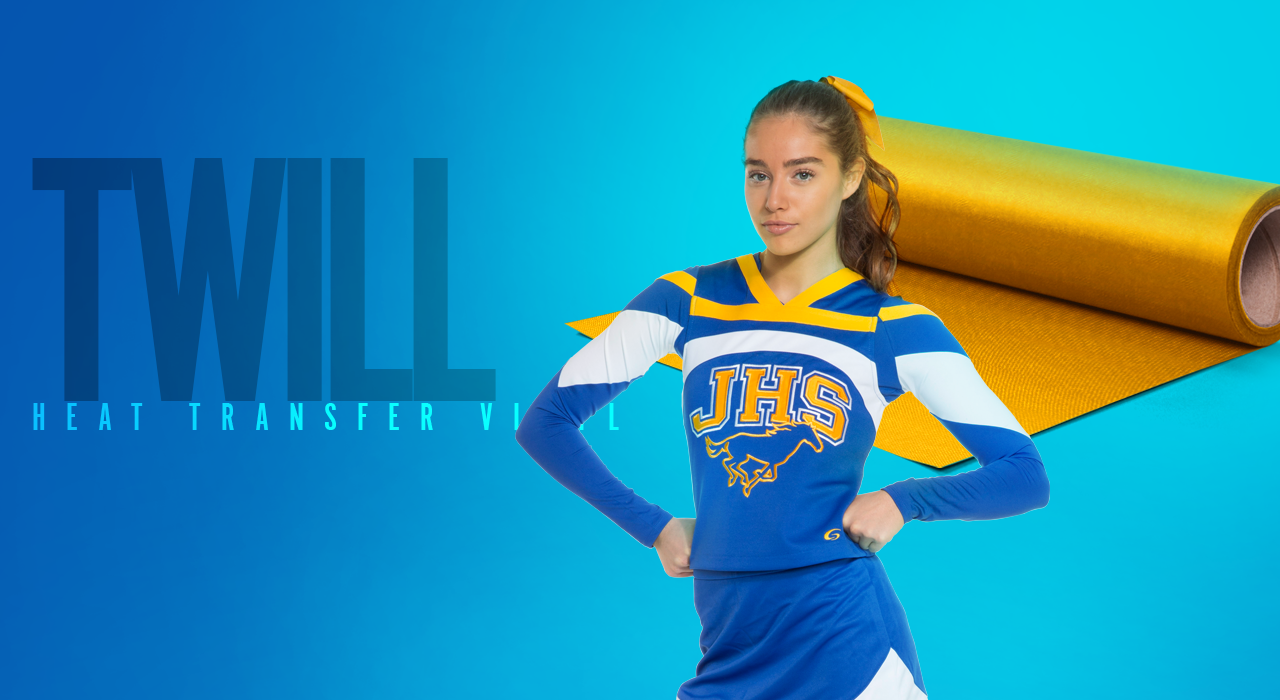
Create custom appliqué designs with Stahls' 100% polyester twill material. It features a heat-activated adhesive to hold your design in place during sewing.
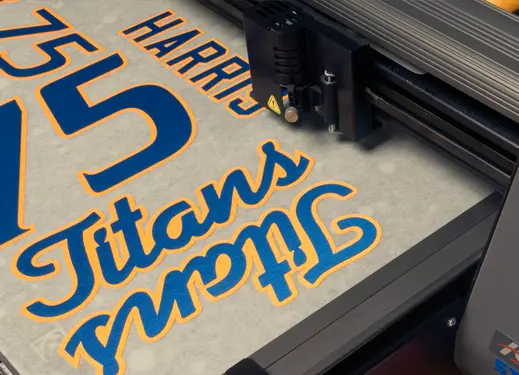
Use Magic Mask® High Tack as a carrier to stabilize the material when cutting with a vinyl cutter.
Material Specifications
- 100% polyester twill
- Safety: CPSIA Certified
- Laser cutter compatible
1-Color Application Instructions
Time:
8-10 seconds
Temperature:
330°F/165°C
Pressure:
Medium
2-Color Application Instructions
Tack:
Tack foreground to background with heat press or iron between two Reusable Cover Sheets.
Sew:
Sew foreground to background before tacking to garment.
Final Application:
Pre-press garment and tack your pre-sewn two-color lettering in place for final sewing.
Care Instructions
Machine wash inside-out using mild detergent.
Do not use bleach. Dry at a normal dryer setting on household machines. Do not dry clean.
Do not use bleach. Dry at a normal dryer setting on household machines. Do not dry clean.
Storage
Store in a cool and dry area around 65 to 70 degrees Fahrenheit with 50% relative humidity. Keep away from direct heat, sunlight and humidity. Recommended shelf life is one year.
Tacking for 2-3 seconds will allow you to realign letters if any shifting has occurred.
A tight, zig-zag stitch or satin stitch is recommended for sewing Poly-TWILL.
Be sure to use a Heat Printing Pillow inside the garment to prevent marks on transfers and lettering.
A tight, zig-zag stitch or satin stitch is recommended for sewing Poly-TWILL.
Be sure to use a Heat Printing Pillow inside the garment to prevent marks on transfers and lettering.
Material/Fabric Compatibility
Material Combination Instructions
Foreground material:
Background material:
Cutter Guidelines
Speed
Blade
Force
Offset
Speed
GCC
Twill Blade
150g
0.225
25 - 50 cm/s
Graphtec
45°
15
1
25
Roland GX-24
Twill Blade
150g
0.225
25 - 50 cm/s
Note: Always test cut prior to any production run. For optimal cutting and weeding, maintain a line thickness of at least 1/16" for lettering & logos.