


Quick Look
Benefits:
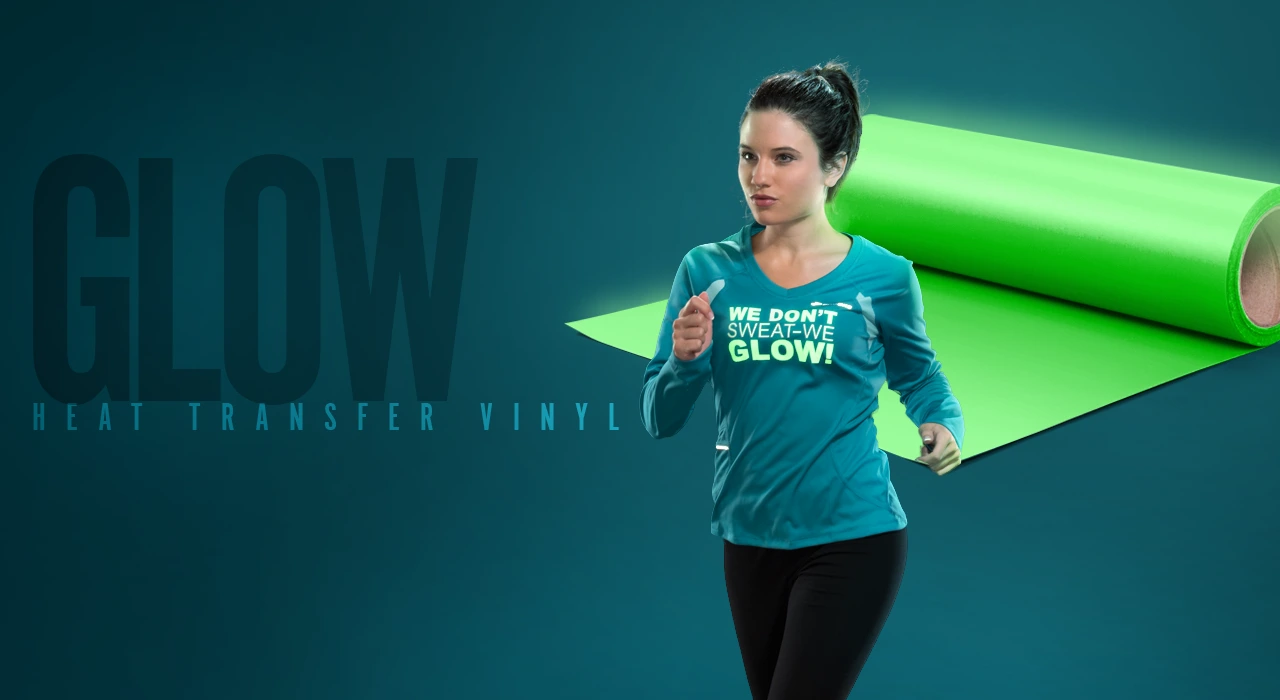
- Best heat transfer vinyl for glow-in-the-dark effects
- Thin, soft and durable
- Matte finish
Available In:
12" or 20" Wide Rolls
Order Now
Details


 User Guide
Videos
User Guide
Videos
Open this ordering wizard full window
Click image to view larger
Material Overview
Material Specifications
- Composition: Polyurethane (PU)
- Carrier: Clear, Pressure-Sensitive
- Thickness: 100 microns/.1mm
- Stretch & Rebound: 3
- Washability: 50
- Safety: CPSIA Certified
- Laser cutter compatible
1-Color Application Instructions
Time:
10-15 seconds
Temperature:
305°F/152°C
Pressure:
Medium
Peel:
Warm
Care Instructions
Machine wash inside-out using mild detergent.
Do not use bleach. Dry at a normal dryer setting on household machines. Do not dry clean.
Do not use bleach. Dry at a normal dryer setting on household machines. Do not dry clean.
Storage
Store in a cool and dry area around 65 to 70 degrees Fahrenheit with 50% relative humidity. Keep away from direct heat, sunlight and humidity. Recommended shelf life is one year.
Material/Fabric Compatibility
Material Combination Instructions
Foreground material:
Background material:
Cutter Guidelines
Cutter
Blade
Force
Offset
Speed
GCC
45°/60°
70-110g/40-90g
.25 / .50
30cm/s
Graphtec
45°
8-10
0
30
Roland GS-24
45°
60-90g
.25
30cm/s
Note: Always test cut prior to any production run. For optimal cutting and weeding, maintain a line thickness of at least 1/16" for lettering & logos.
Get This Look: Halloween Designs with Glow-in-the-Dark HTV
2019-09-23T19:31:51Z
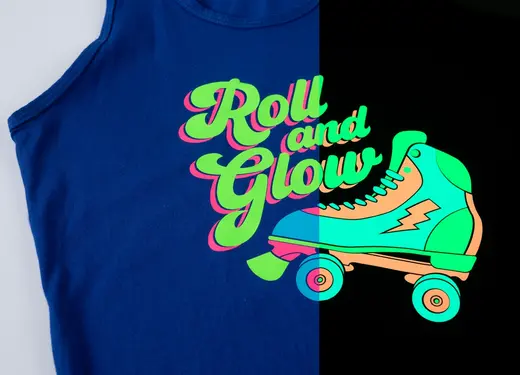
Our series, "Get This Look," will help you take your heat printing business to the next level. The Stahls’ Education Team will show you how to make Halloween designs that stand out, even in low light. Halloween is a fun time of year, no matter the age! It's a great opportunity for any apparel decorator to scare up some customers and increase sales. In this video, see how to use CAD-CUT® Glow heat transfer vinyl along with glow-in-the-dark screen printed transfers to cast a spell on customers. The designs featured in this video appear white when the lights are on, but when darkness falls, they shine in lime green. How cool is that?! This GTL series will help you attract customers, increase sales, and expand your business into new markets with these featured apparel decorating tips and designs. With a vinyl cutter and a heat press, there's no limit to what you can create! For more information on CAD-CUT® Glow Heat Transfer Vinyl, visit http://bit.ly/stahls-glow-htv Get more heat printing tips and design ideas by connecting with the Stahls’ Blog at https://blog.stahls.com/ -~-~~-~~~-~~-~- Liked this video? Then please watch: "5 Cool Ways to Use Heat Transfer Foil & Adhesive" https://www.youtube.com/watch?v=8p1Ze7wQ5dY -~-~~-~~~-~~-~-
Grow Sales with Glow in the Dark Heat Transfer Vinyl
2015-10-26T17:46:56Z
Stahls' TV: www.stahlstv.com Pump up a traditional small business design by using Glow in the Dark heat transfer vinyl. STAHLS' TV Presenter, Courtney Kubitza shows you how to reach new markets and grow your sales heat printing glow in the dark heat transfer vinyl with holographic heat transfer material. -~-~~-~~~-~~-~- Liked this video? Then please watch: "5 Cool Ways to Use Heat Transfer Foil & Adhesive" https://www.youtube.com/watch?v=8p1Ze7wQ5dY -~-~~-~~~-~~-~-